|
Audio CD Ripper You are here: Help > Audio CD Ripper |


|
gBurner can rip Audio CD to MP3, WAV, WMA, APE, FLAC and Ogg files.
|
||||
|
Copyright 2005-2024 Power Software Ltd. All rights reserved. |
|
Audio CD Ripper You are here: Help > Audio CD Ripper |
|
gBurner can rip Audio CD to MP3, WAV, WMA, APE, FLAC and Ogg files.
|
||||
|
Copyright 2005-2024 Power Software Ltd. All rights reserved. |
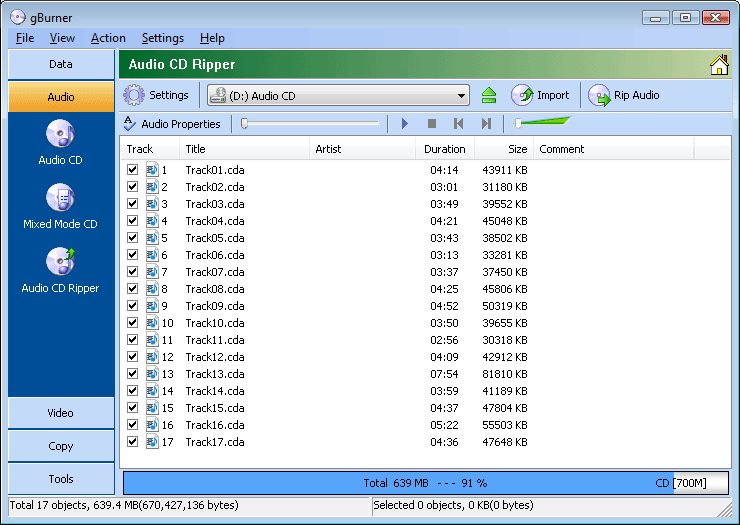

 icon to import all audio tracks.
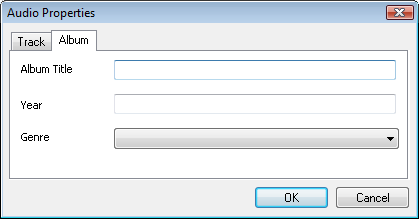
 icon to set Audio CD-TEXT.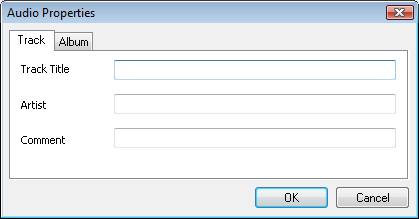
 icon, the settings dialog opens, where you can set the required rip options.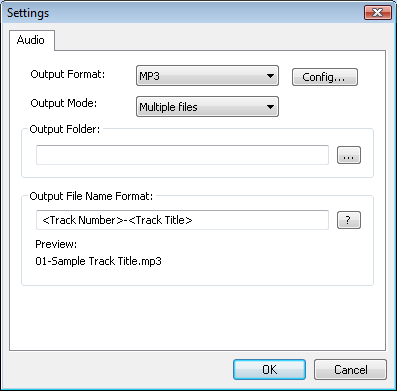

 icon to start the actual rip process.