gBurner can edit ISO image file and other image file. It has intelligence of automatically detecting CD/DVD/BD image formats.
Add files and folders: Click on the  icon
to add files and folders. You can also directly drag files and folders from
Windows Explorer to the project window.
icon
to add files and folders. You can also directly drag files and folders from
Windows Explorer to the project window.
Create new folder: Click on the  icon to create a new folder.
Delete files and folders: Select the files and folders you want to delete,
then click on the  icon.
icon.
Rename file or folder: Click the file or folder you want to rename, click it
again (not double click), then type the new name.
Change label: Click the disc label, click it again (not double click), then
type the new label.
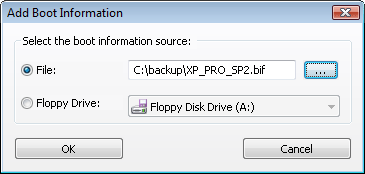
Boot information: If necessary, use "Action > Boot"
menu to add, delete and save boot information.
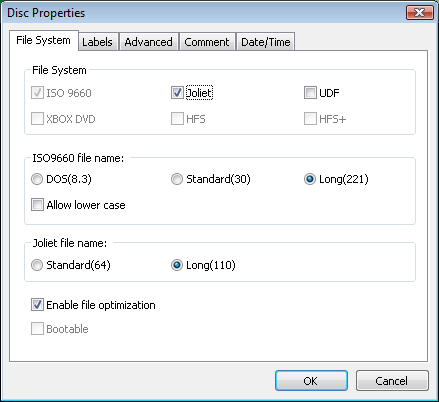
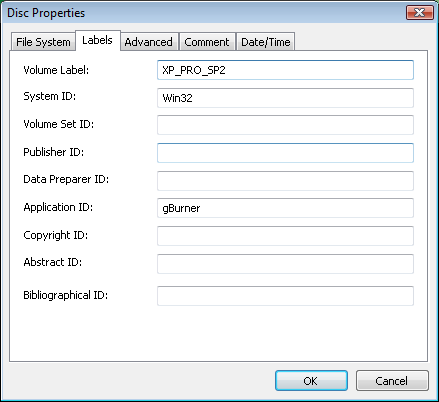
Set Properties: If necessary, click on the  icon to set data properties.


 icon
to open an existing iso file.
icon
to open an existing iso file. icon to save the iso file, or choose "File > Save As" menu to save to a different file name.